
The calendar view
- Open Video visits and click Calendar.
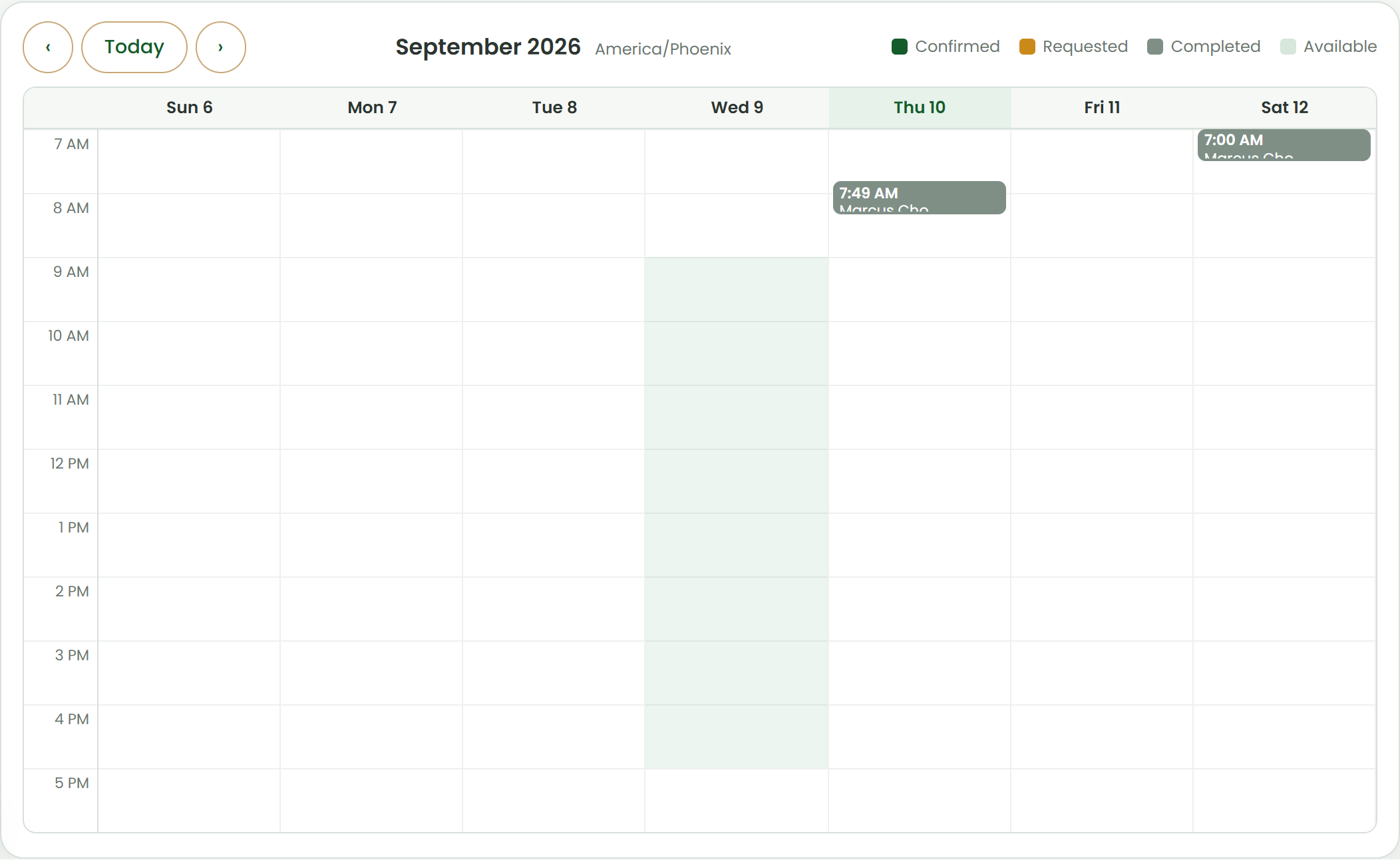
- Green shading is your published availability; grey hatching is blocked time. Confirmed visits are dark green, requested visits amber, completed ones grey.
- Use the arrows to move week by week and Today to come back.
- Click a visit block to highlight its row in the list below, where the actions live.
Was this helpful?Tell us what is missing